
SR2 INTELLIGENCE
Check before you trust.Private scam & threat analysis for iPhone.
A clearer next step
Make sense of suspicious content
SR2 Intelligence brings security checks and plain-language guidance together, so you can understand the evidence before deciding what to do.
Messages & email
Review suspicious texts and email, including sender details and authentication evidence where available.
Links, screenshots & QR codes
Inspect a destination before opening it. Extract visible text from screenshots and images, or scan a QR code to examine its decoded link.
Documents & files
Bring in supported PDFs, text documents, images and email files for evidence-focused analysis.
Designed around real tasks
A closer look at SR2 Intelligence
Six connected parts of a practical workflow—from the first check to a report you can keep.
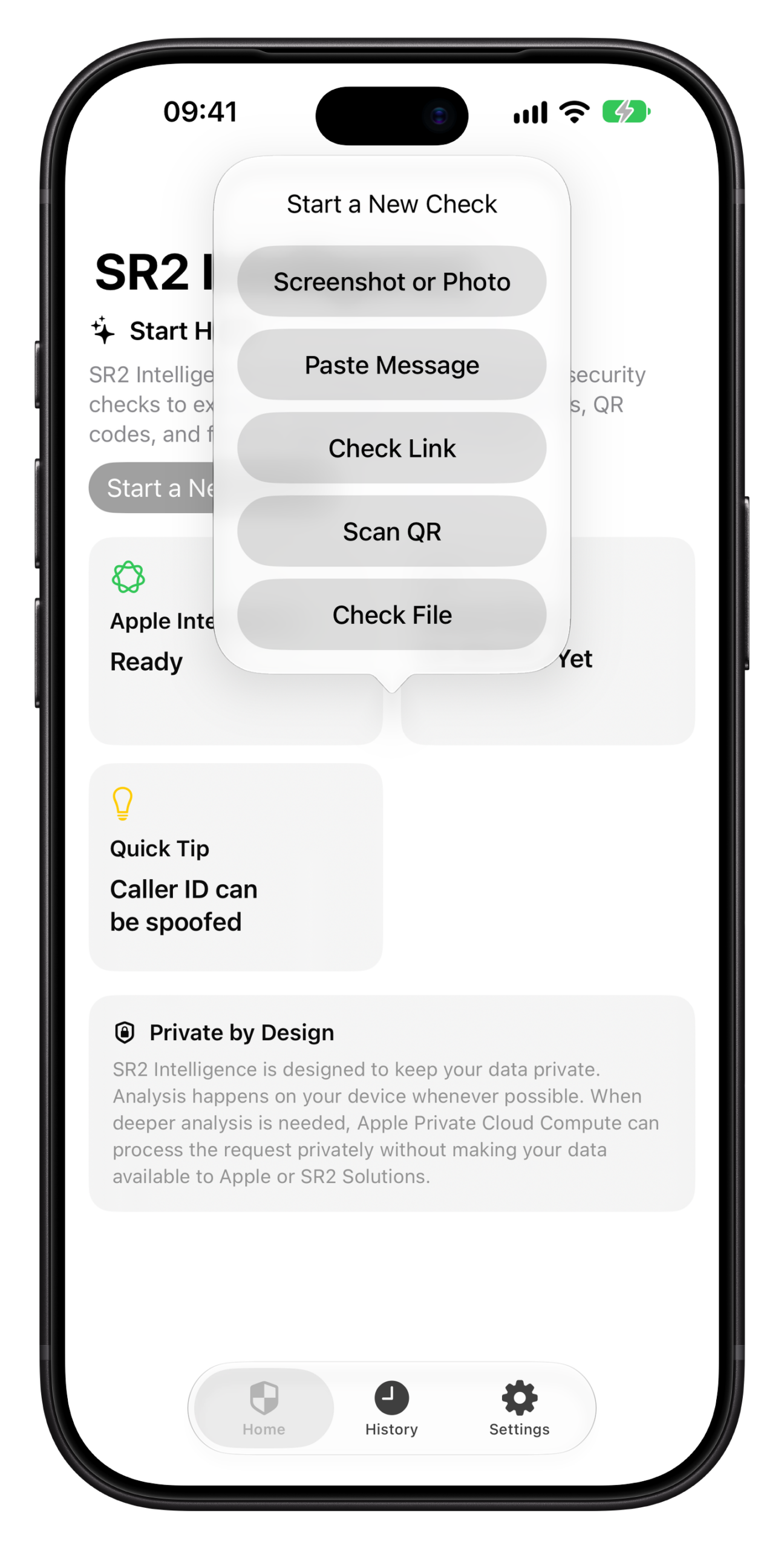
Check Before You Trust
Start with a clear assessment of a suspicious message or link.
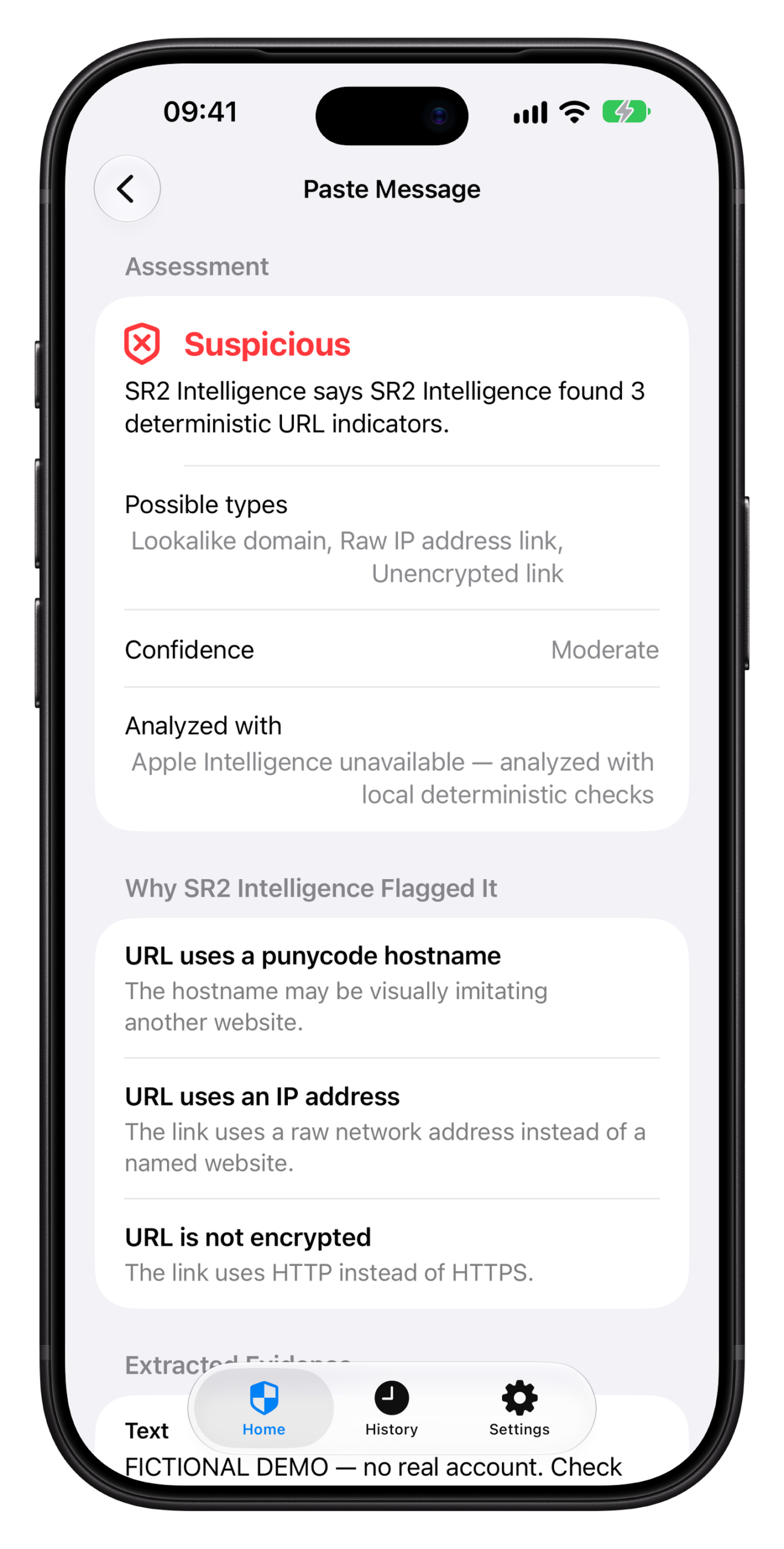
See the Red Flags
Review the indicators and evidence behind the analysis.
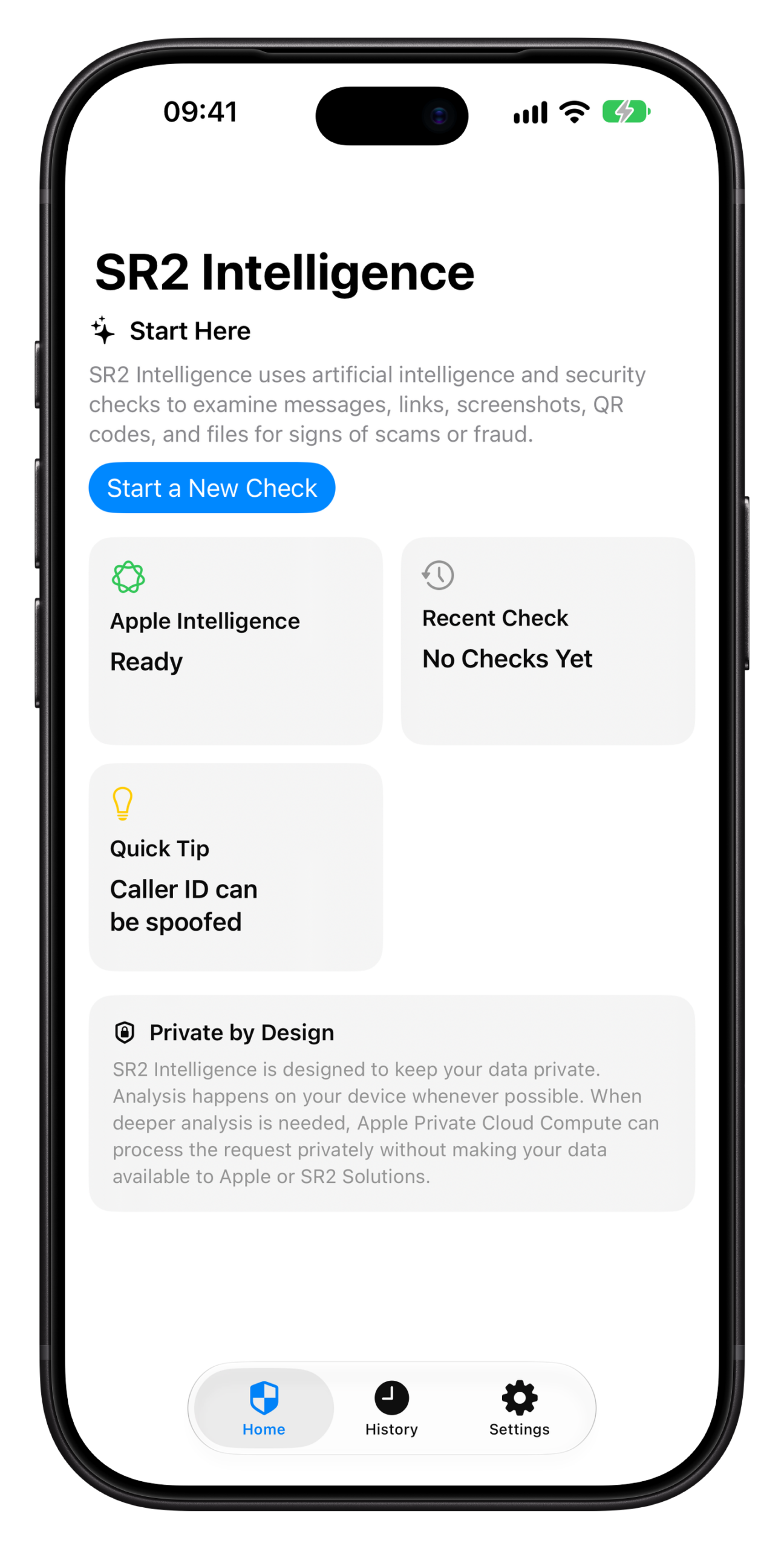
Private by Design
Choose how your analysis is handled, with privacy controls built into the experience.
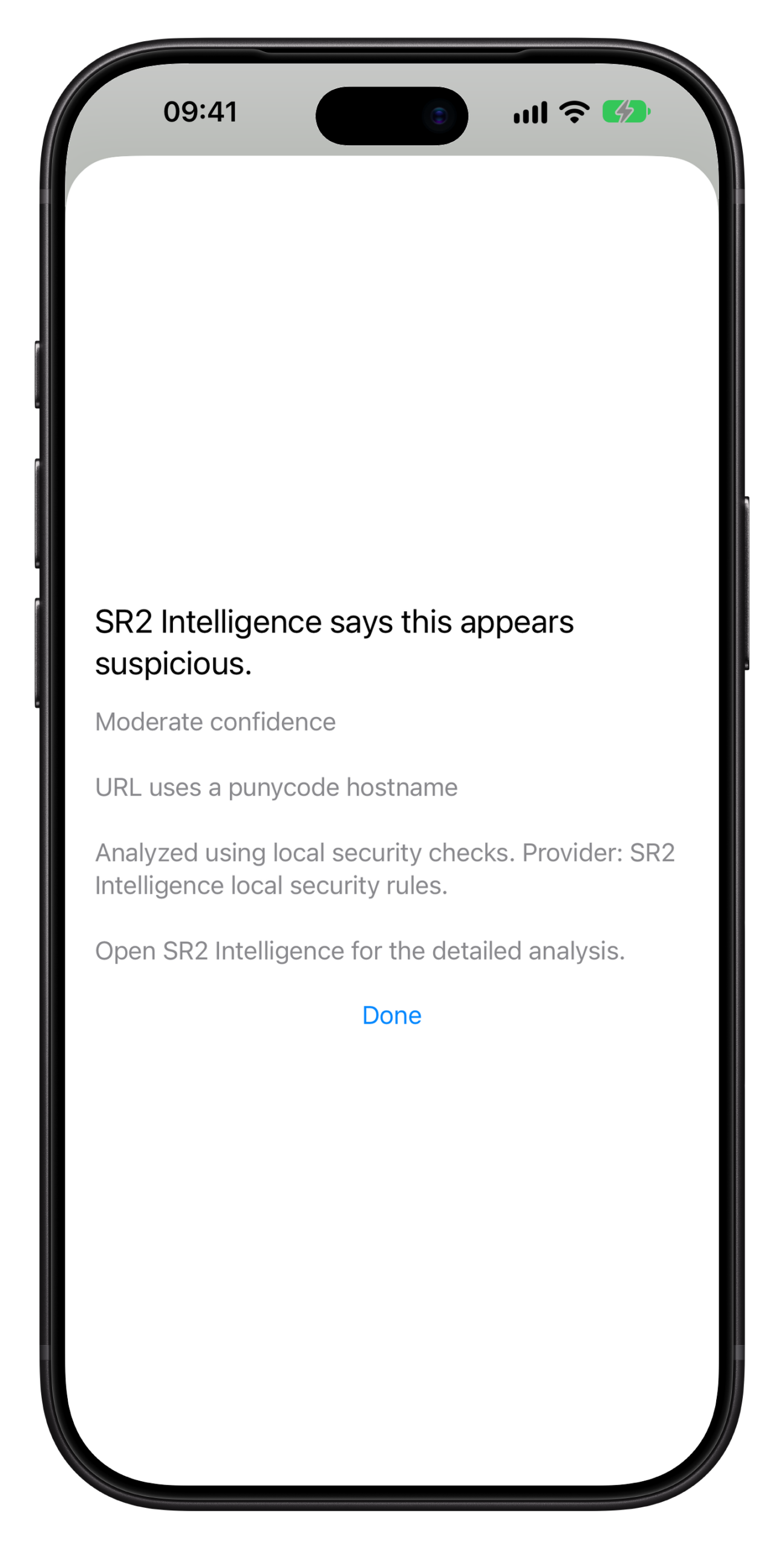
Share It. Check It.
Send content from another app into SR2 Intelligence with the Share Extension.
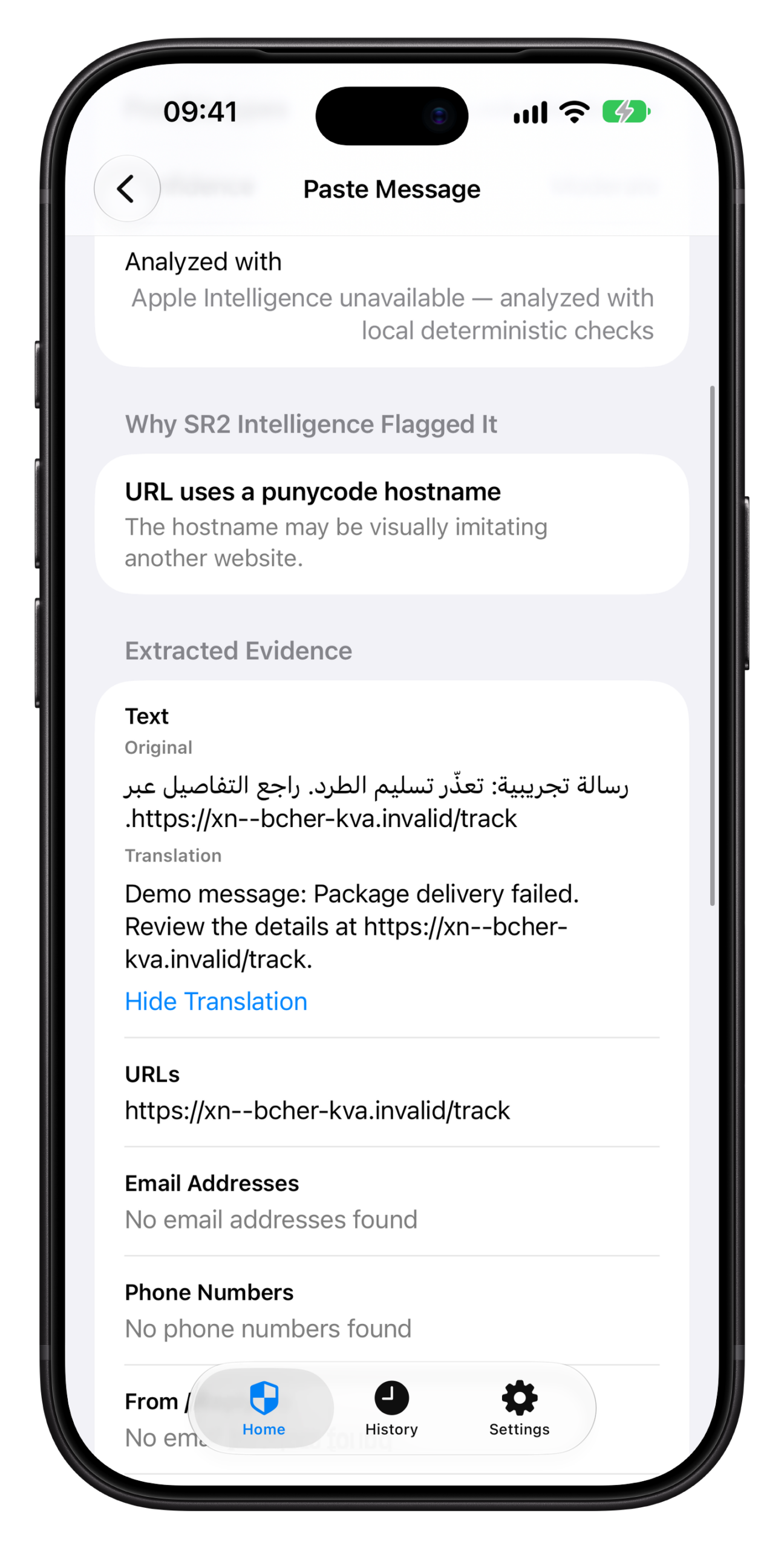
Translate the Evidence
Translate extracted evidence on device to better understand a message.
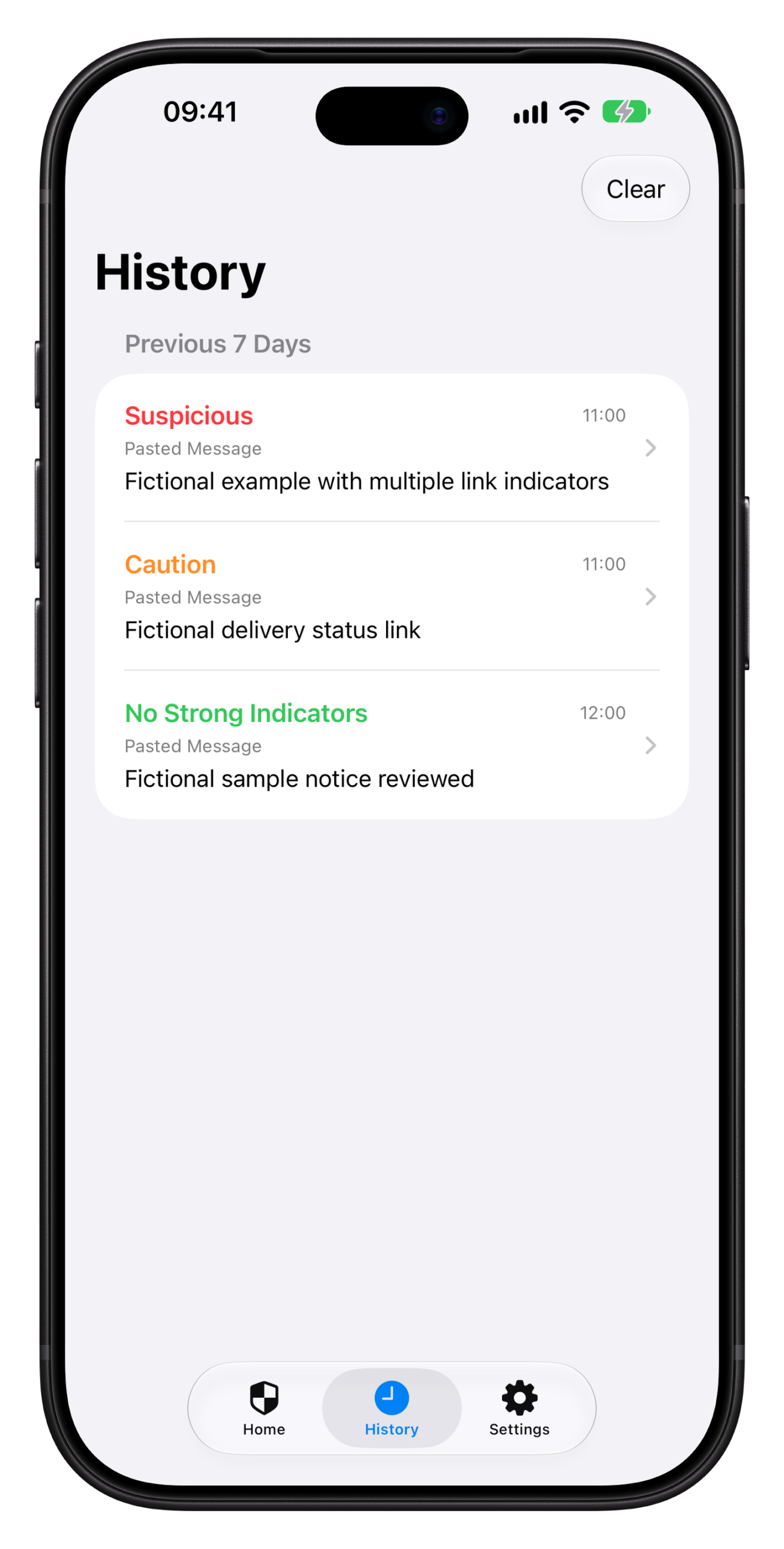
Keep the Analysis
Save results in history and export a readable report as PDF or plain text.
Privacy by design
Evidence first. Clear choices at every step.
SR2 Intelligence distinguishes extracted evidence and deterministic security findings from AI-generated interpretation.
A layered analysis
Deterministic checks identify observable indicators. When available, Apple Intelligence can help explain what those findings may mean. Supported deeper analysis can use Apple Private Cloud Compute when selected or appropriate.
AI interpretation supplements the evidence; it does not replace extracted content or security findings. Processing mode is identified in the analysis report, and availability depends on the device, OS and request.
Your controls stay visible
- Analysis is local by default, with optional supported Private Cloud Compute deeper analysis.
- Optional private iCloud history sync keeps saved analyses available across your devices.
- Face ID or Touch ID can protect saved history.
- No ads, analytics or telemetry.
- Original imported files are not retained; temporary share handoffs are short-lived.
Made for iPhone
Useful where suspicious content appears
Native system features help move from a questionable message to a more informed decision.
Share Extension
Share text, links, images and files from supported apps into SR2 Intelligence. Small text and links can be checked in the extension; images and files pass through a temporary handoff to the app.
Screen Check Shortcut
Capture what is on screen, invoke Screen Check, and review extracted evidence in SR2 Intelligence. You stay in control of what to submit and what to do next.
Translation & reports
Translate extracted evidence on device, then save an analysis for later or export a structured PDF or plain-text report.
Accessible across languages
Designed with VoiceOver, Dynamic Type and right-to-left layouts in mind. The interface is available in 19 languages.
Built by SR2 Solutions
A practitioner’s approach to everyday digital trust
SR2 Solutions is an independent cybersecurity and digital-forensics company. SR2 Intelligence brings that evidence-minded approach to a native iPhone app.
The product is designed to help people pause, inspect suspicious content and understand why it may be risky. It combines deterministic security checks with Apple platform capabilities while keeping the user in control of the analysis and their saved history.
Try SR2 Intelligence
SR2 Intelligence is currently available through the public TestFlight beta. Join to try the iPhone app and share feedback with the team.
Get In Touch
[email protected]